
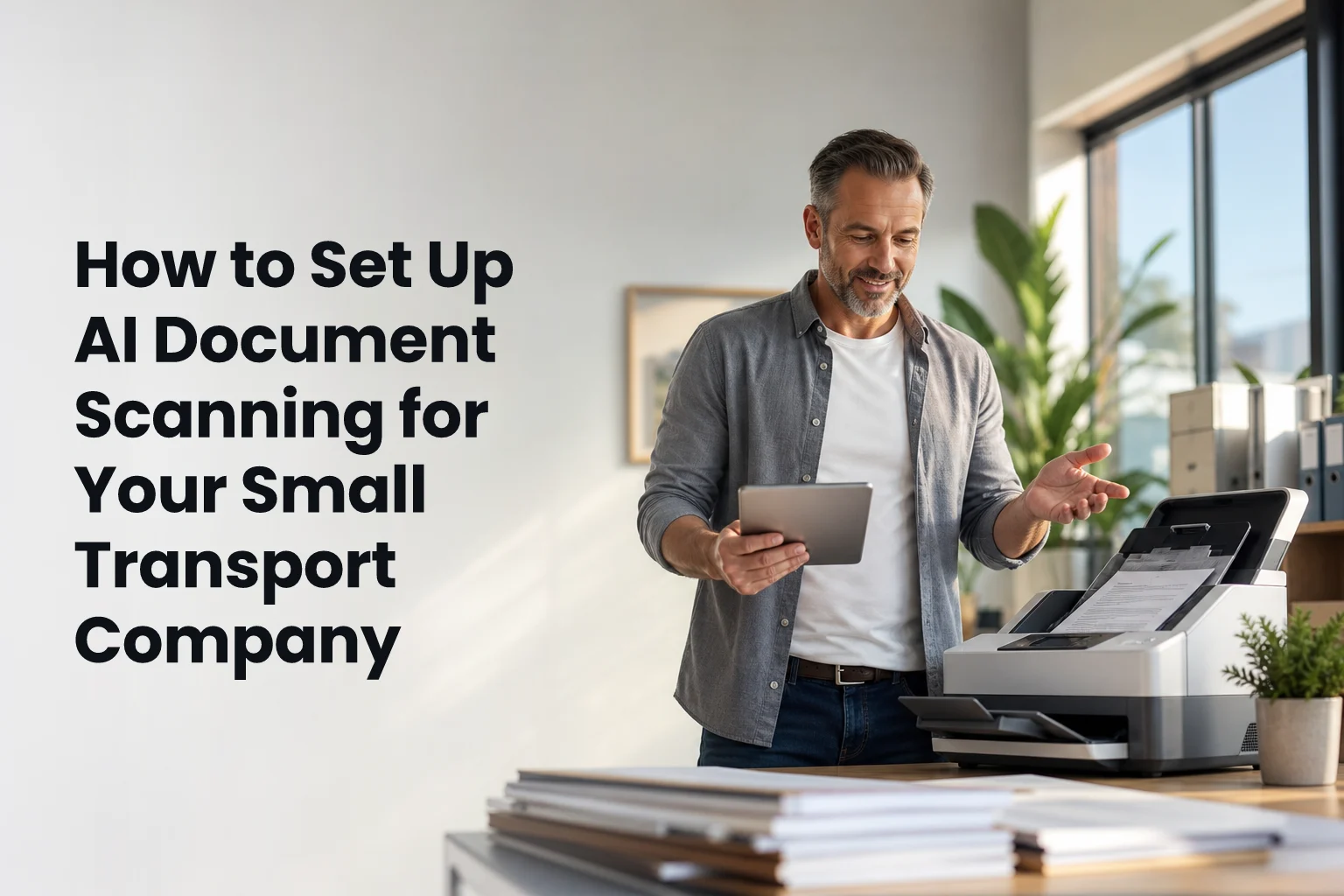
Start by mapping your paper flow, then choose an OCR+AI tool that reads LRs, PODs, freight bills, and invoices, and tie it to billing and accounts. This guide shows ai document scanning for transport in a 5–20 truck setup, step by step, with the guardrails you need in 2026.
Here’s the short answer: digitize with clear scans, let OCR read text and tables, use AI to label fields (consignor, consignee, LR no., load date, GST/TDS lines), and validate the data before it posts to billing. Then, push the clean data to your Tally or ERP, so billing and ledgers update without manual re-entry. Do this well, and you cut handoffs, reduce POD chase time, and bill faster.
You don’t need a huge IT team. However, you do need a plan for document capture on each trip, a basic quality check, and defined masters for customers, routes, vehicles, and GST details. Once those are in place, the system does the heavy lift. As a result, your back office keeps pace with your trucks, not the other way around.

What AI Document Scanning Actually Does for Transport Operations
AI document scanning starts with OCR, which turns the pixels on your LR or POD into text. Then AI extraction classifies each field, even on messy prints or stamped copies. For transport and logistics businesses, that means your LRs, consignment notes, invoices, and freight bills become data you can trust, not just images you store.
Before this, a 10–15 minute data entry cycle for each LR was the norm in small fleets. A clerk typed consignor, consignee, LR no., origin, destination, vehicle, weight, rate, GST split, and remarks. Then someone else checked it.
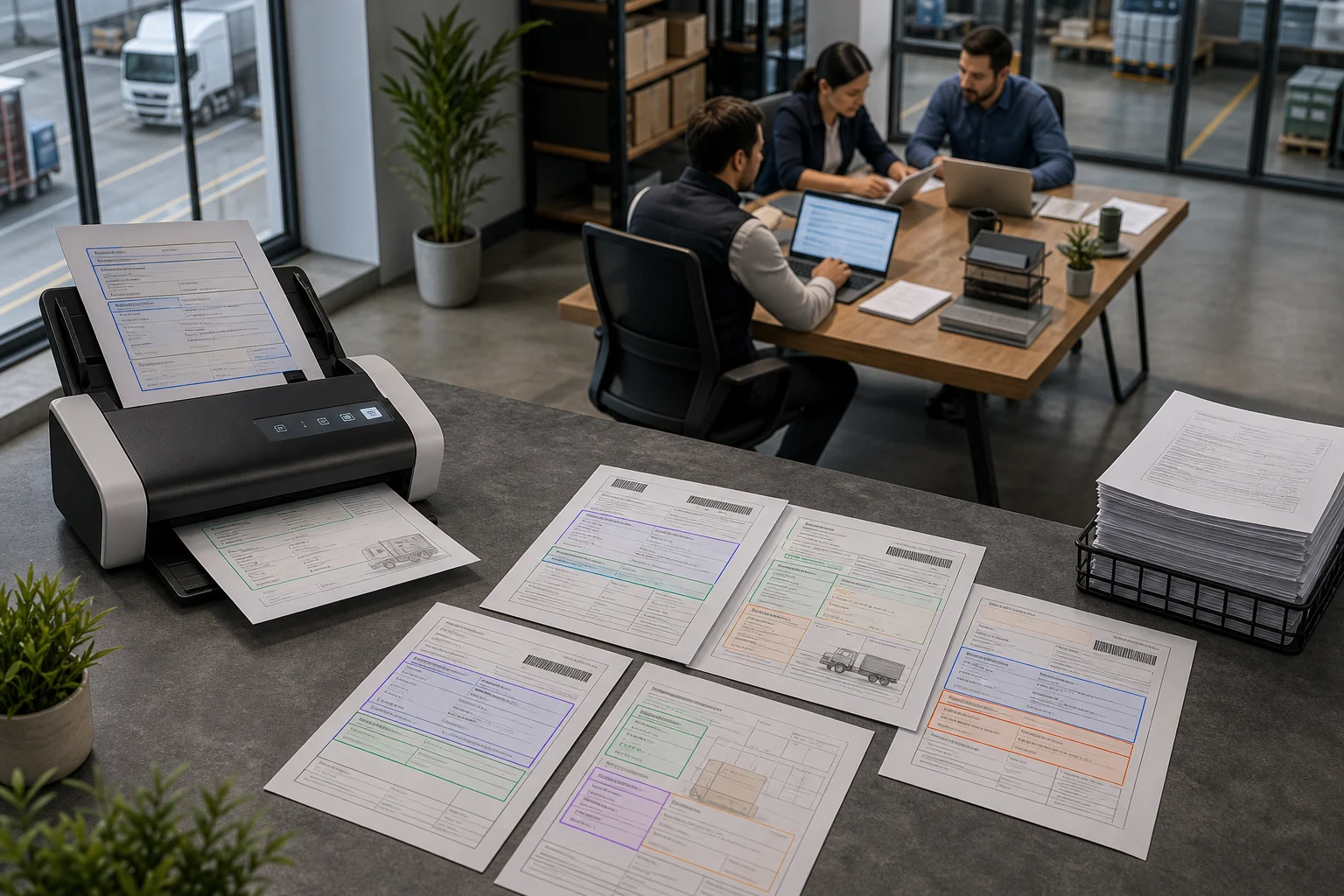
If a POD came late or unreadable, billing sat on hold.
In 2026, you can flip that. You scan once, read once, and the system holds the draft till you approve.
With AI-powered document processing, the tool doesn’t only read text. It detects layouts, stamps, and signatures. For example, it can flag if a POD is missing a receiver sign or date. It can also map tax lines to GST ledgers so your invoice math lines up with what your accountant expects.
Therefore, you see fewer rejections from customers and shorter DSO.
Where You’ll See Gains
Specifically, in a 5–20 truck fleet, you will feel gains in three places. First, trip close: drivers or yard staff scan PODs on the spot, not days later. Second, freight billing: selected LRs load into a bill in one view, with GST and TDS mapped. Third, audits: you can pull every LR/POD tied to a bill in one click, which saves time during disputes or rate checks.
Manual vs. AI Capture: A Quick Contrast
- Manual: Staff types LR fields, then retypes for freight bills, then checks GST/TDS by hand.
- AI: OCR reads once; AI maps fields; you validate; billing pulls selected LRs with auto GST/TDS.
- Manual: PODs sit in cabs or WhatsApp threads, hard to find on billing day.
- AI: PODs attach to the trip in your system and appear in billing and aging views.
- Manual: Month-end equals late nights and stress.
- AI: Workload spreads evenly; exceptions get flagged early.
For a primer on how OCR works under the hood, see Optical character recognition on Wikipedia. You don’t need to be a scientist, but it helps to know what the tool can and cannot read well.
Importantly, plan to validate early runs. Even the best models learn your formats over a few weeks. As a result, accuracy rises as you feed more of your LR and POD layouts into the system. This section is the right place to note your first keyphrase again: ai document scanning for transport is not “set and forget”; it gets sharp with your data.
Step-by-Step: Implementing AI Document Scanning in a Small Fleet
Getting from paper chaos to clean data takes six tight steps. Keep each step short, clear, and owned by one person. That is how you get results fast without bloating the process.
Map and Digitize
-
Audit Your Current Paper Flow
Map every document in one lane end to end. List who produces it (driver/yard/shipper), when it’s received, and where it sits. Note LR formats per customer, POD styles, invoice layouts, and any freight bills you generate for each consignee. Capture choke points: missing PODs, unreadable stamps, rate disputes. This is your baseline. -
Digitize the Backlog (Smartly)
Scan last month first. Then scan the current month daily. Avoid a big-bang backlog push that stalls live work. Set standards: 300 DPI, color for stamps, no shadows, crop tight.
Store scans by date and customer. Add a simple naming rule: YYYYMMDD-Customer-LRNo. As a result, you give the AI clean samples and your team fast recall.
Select and Configure
-
Choose a Tool You Can Run
Look for document capture on mobile and desktop, OCR that reads tables, and AI extraction tuned for LRs/PODs/invoices. Check if it supports freight billing and basic End-to-End Trip Management, or at least exports that your system can read. Ask about GST/TDS fields and Tally export. Finally, confirm data security: separate customer data and secure sessions matter on day one. -
Configure Document Types and Fields
Create document profiles for LR, consignment note, POD, and invoice. Map fields you need: LR no., consignor, consignee, addresses, GSTINs, route, truck no., driver, load date/time, delivery date/time, weight/units, rate, GST %, TDS %, reimbursables, and remarks. Define which fields are mandatory. Set up validation rules (e.g., GSTIN must be 15 chars). Therefore, bad data stops early.
Train and Measure
- Train Staff with Real Trips
Run live scans in your lane with two drivers and one back-office user for a week. Show what a “good” scan looks like. For example, place the paper on a flat, dark surface, avoid glare, and include full edges.
Teach how to fix a misread GSTIN or rate. Keep the training to 60 minutes and one page of tips. People learn best with their own loads.
- Measure Accuracy, Speed, and Rejections
Track three numbers: field accuracy rate (per document type), time from delivery to bill-ready, and customer rejections or dispute notes. Do not guess; pull them from the tool’s logs. If accuracy is low on one customer’s LR, create a custom layout. If PODs come in late from one lane, fix the hand-off in that lane. Therefore, you improve where it hurts, not in theory.
Practical Checks and Integrations
- Document capture: Confirm mobile uploads work in low-signal yards; allow offline scans that sync later.
- Freight billing: Test selection of multiple LRs into one bill; ensure GST/TDS auto-calc matches your accountant’s sheet.
- Accounting: Export to Tally with ledger mapping for sales, purchases, stock moves, and driver salaries.
- Governance: For tax, see India’s GST portal guidance at gst.gov.in and ensure your invoice outputs match required fields.

Finally, budget time for the first 30 days. As formats vary, the AI learns. Keep a weekly review with one ops lead and one accounts lead. Mention ai document scanning for transport in your notes, so the project keeps its scope: faster capture, cleaner data, and faster billing.
5 Mistakes Small Transport Companies Make With Document Scanning
First, scanning without a naming rule. If everyone uploads “IMG_1234.jpg”, your search breaks. Use YYYYMMDD-Customer-LRNo so the file itself helps you. In addition, set a default folder per lane and per client. That way, even if a tag is missed, location tells a story.
Second, ignoring GST/TDS field extraction. You can read the LR header well and still get billing wrong if taxes don’t map. Configure GST %, GSTINs, place of supply, SAC codes, and TDS rules from day one. Then run a sample bill and match it line by line with your accountant’s workbook. For reference, review field expectations and return timelines at India’s official GST portal (see the link above to gst.gov.in).

Third, skipping accounting integration. Exporting a PDF bill is not the finish line. Tie your data to ledgers so sales, purchases, and driver payments flow. Set up Tally Integration with clear ledger mapping for freight, reimbursables, GST payables, and TDS. Therefore, you avoid end-of-month rush edits and missed entries.
Fourth, buying a consumer-grade scanner as your “system”. The camera on a decent phone is fine if your process is right. A fancy flatbed can still feed junk if staff scan in low light or with folds. Focus on training and field checks. As a result, you save money and still raise quality.
Early Validation
Fifth, not validating AI output in the first weeks. AI will misread some fonts and stamped LR numbers at first. Create a “Needs Review” queue.
Have one trained person clear it twice a day. Mark each fix so the model adapts. After a month, you can relax checks on high-accuracy layouts, but keep spot checks on new shippers.
Guardrails to Protect Accurate Billing
- Set mandatory fields (LR no., vehicle no., GSTINs, rate).
- Enable exception flags (missing POD date, unreadable stamp).
- Keep a “Rejected” tag with reason codes (wrong GST calc, wrong consignee).
- Archive original images with the extracted data for every bill.
Call out here: ai document scanning for transport only pays off if billing is right. So design the process around accurate billing and GST compliance, not just “fast scans”.
Tools Worth Evaluating for Transport Document Scanning
You’ll see three tool groups as you evaluate options. Start with your needs: LR/POD accuracy, freight billing, and accounting handoff. Then factor price model and who will use it.
General OCR and scanning apps
Adobe Scan, Microsoft Lens, and ABBYY FineReader are strong at clean OCR on phones or desktops. They suit teams that only need PDFs or basic text. However, you will still need a way to map fields like GSTINs and rates, and then push data to billing. If you keep volumes light and do the mapping in Excel, this can work for small lanes.
Transport-specific platforms
Tools like GlobusBilling bring AI-powered document processing together with freight billing, broker settlements, inventory, fleet operations, and accounting in one workspace. You gain accurate billing, GST compliance, and smooth accounting integration, including Tally export with ledger mapping. Because these tools are built for transport and logistics businesses, LR, POD, and consignment note layouts are first-class, not add-ons.
ERP or accounting modules with scanning add-ons
ERP suites and accounting tools may offer scanning plug-ins. The draw is “all-in-one” under one vendor. The trade-off is cost and setup time.
Moreover, transport fields (LR no., route legs, POD stamps) might sit as custom fields, so extraction models need more tuning. For a new fleet, weigh the ramp time vs. a purpose-built freight billing automation platform.
Price-wise, ask vendors for per-document or per-user plans and a pilot scope. Keep your product mention rule in mind here: ai document scanning for transport should be judged on fit to your lanes, not on flashy features.
Key Takeaways and What to Do This Week
You don’t need to guess. The process to set this up is clear, and you can show results in one week if you keep scope tight. Mention 2026 in your plan because buyer teams now expect proof that your data and GST handling align with current rules.
Key Takeaways
- AI scanning = OCR + field extraction + validation + billing handoff. It’s a process, not just an app.
- Clean scans, clear naming, and mandatory fields raise accuracy far more than a fancy scanner will.
- Configure GST/TDS fields and Tally export early to prevent rework at month-end.
- Start with one lane and two drivers; fix exceptions fast; expand after week one.
- Judge tools on LR/POD accuracy and accounting handoff, not on generic OCR claims.
A 7-Day Action Plan
- Day 1: Audit live paperwork for one lane. Count documents, list formats, and note delays at each handoff.
- Day 2: Set scan standards (300 DPI, color, flat surface), and define your naming rule (YYYYMMDD-Customer-LRNo).
- Day 3: Trial one tool on 25 LRs and 25 PODs. Configure LR, POD, invoice profiles and mandatory fields.
- Day 4: Train two drivers and one back-office user with your live docs. Run scans in the yard and office.
- Day 5: Validate AI output. Log each fix (GSTIN, LR no., rate) and save samples per customer.
- Day 6: Build a draft freight bill by selecting scanned LRs. Export to Tally and check ledger mapping.
- Day 7: Run a pilot batch for one customer from LR to bill. Measure time from delivery to bill-ready and list exceptions to fix next week.
Before you close this tab, book a short session to see field extraction on your own LR and POD formats. You will learn faster by watching your data flow end to end.

As you pick a vendor, ask about security and reliability. Separate customer data, secure sessions, central documents, and downloadable company backups are not “nice to have”; they are table stakes. If you handle bid terms or rate cards, protect those scans like cash. Finally, remember this phrase as you brief your team: ai document scanning for transport is a small daily habit that pays off in clean bills and faster cash, not a one-time IT task.
**Contact the team for rollout help →
For background learning, keep the Optical character recognition overview handy for your ops lead, and refer to the Indian GST portal at gst.gov.in when you confirm invoice fields and return cycles.